Mobile Game Guide /
eFootball 2026 settings guide helps players stop blaming the squad for lag
GamingOnPhone’s eFootball 2026 settings guide recommends 60 FPS, sensible graphics settings, control tweaks and Game Plan adjustments for smoother mobile play.
By Gameforce Mobile News Desk · Source: https://gamingonphone.com/guides/efootball-guide-to-the-best-gameplay-and-game-plan-settings-for-a-smooth-experience/
Key facts
- Topic:
- Mobile Game Guide
- Published:
- June 9, 2026
- Source:
- https://gamingonphone.com/guides/efootball-guide-to-the-best-gameplay-and-game-plan-settings-for-a-smooth-experience/
- Reported by:
- Gameforce Mobile News Desk
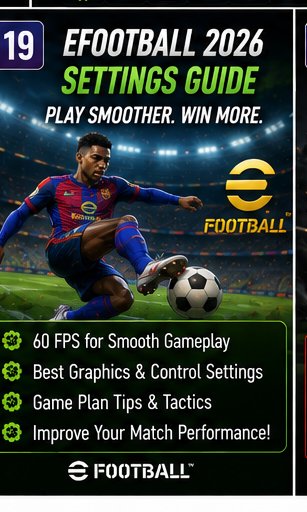
eFootball 2026 gets a useful service guide that is not about packs, coins or dream cards. This one is about making the game actually feel better on your device. GamingOnPhone recommends using 60 FPS for smoother dribbling, defending and movement, while keeping graphics at a level your phone can handle without stutter. The guide also covers controls, cursor switching, feints and Game Plan tweaks that can improve team behaviour.
That matters because mobile football can be ruined by input delay, awkward switching and unstable performance, even if your squad looks good on paper. A 99-rated winger does not help much if the game feels like it is running through wet cement. For players chasing better match feel, settings are the cheapest upgrade available. Fix the performance first, then blame the striker.